
The workflow for the whole gig
Plan. Go. Play. One workflow for the whole gig.
Plan the gig at home. Take it with you on the road. On stage, every musician reads their own part, and the band stays in sync without WiFi.
14 days free. No credit card.
TinyLittleBigBand live · Photo Lianne Dekker
How it works
Plan it once.
It follows you to the stage.
Everything you set up at home travels with the band. No retyping, no PDFs in the group chat.
-
01 · PLAN · LAPTOP
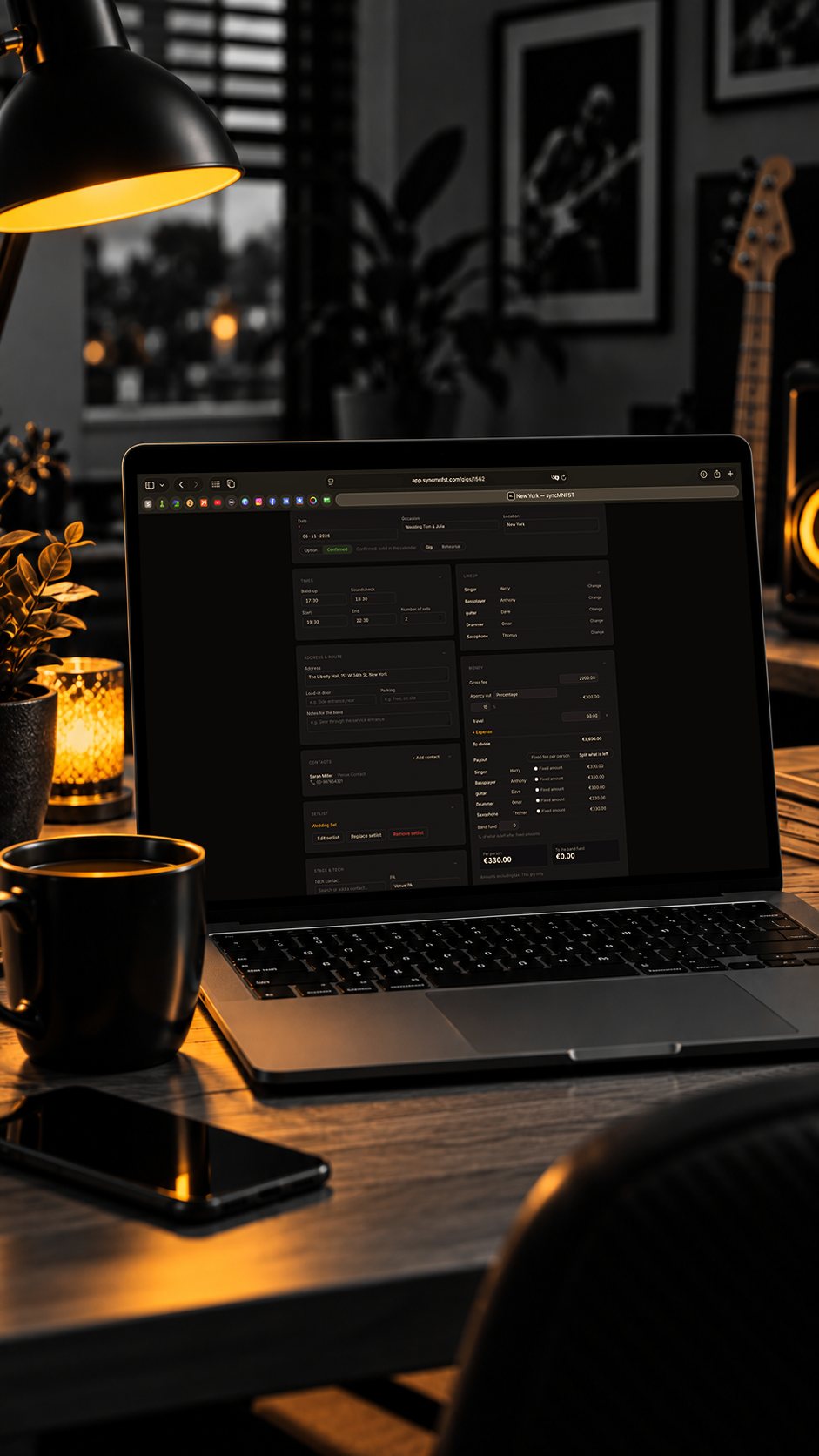
Plan the gig at home.
- Date, venue and times
- Line-up and who’s available
- The setlist, with a chart for every role
-
02 · GO · IPHONE
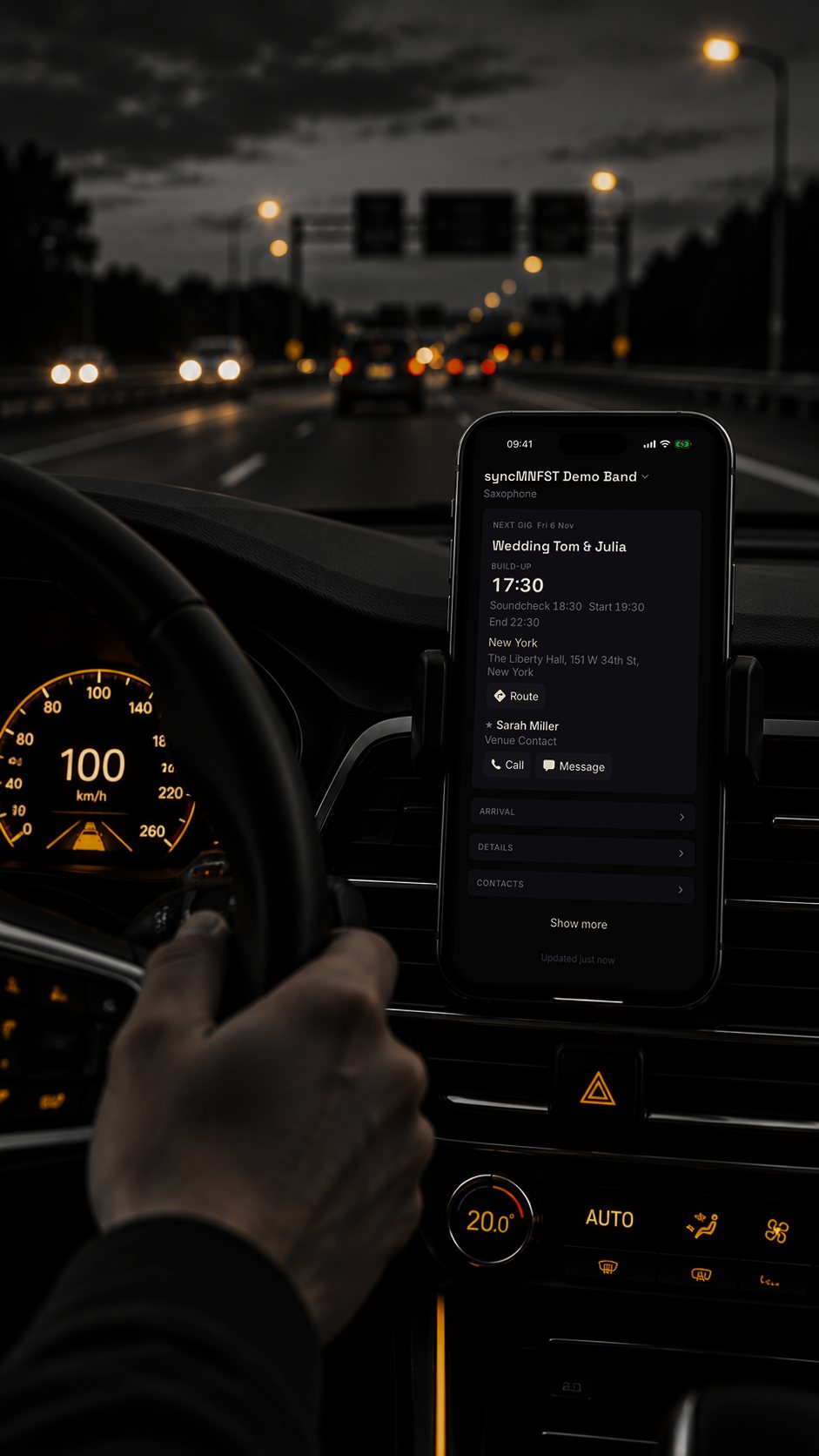
The gig in your pocket.
- Arrival time and schedule
- Venue address, one tap opens your maps app
- Contacts on site
-
03 · PLAY · IPAD ON STAGE
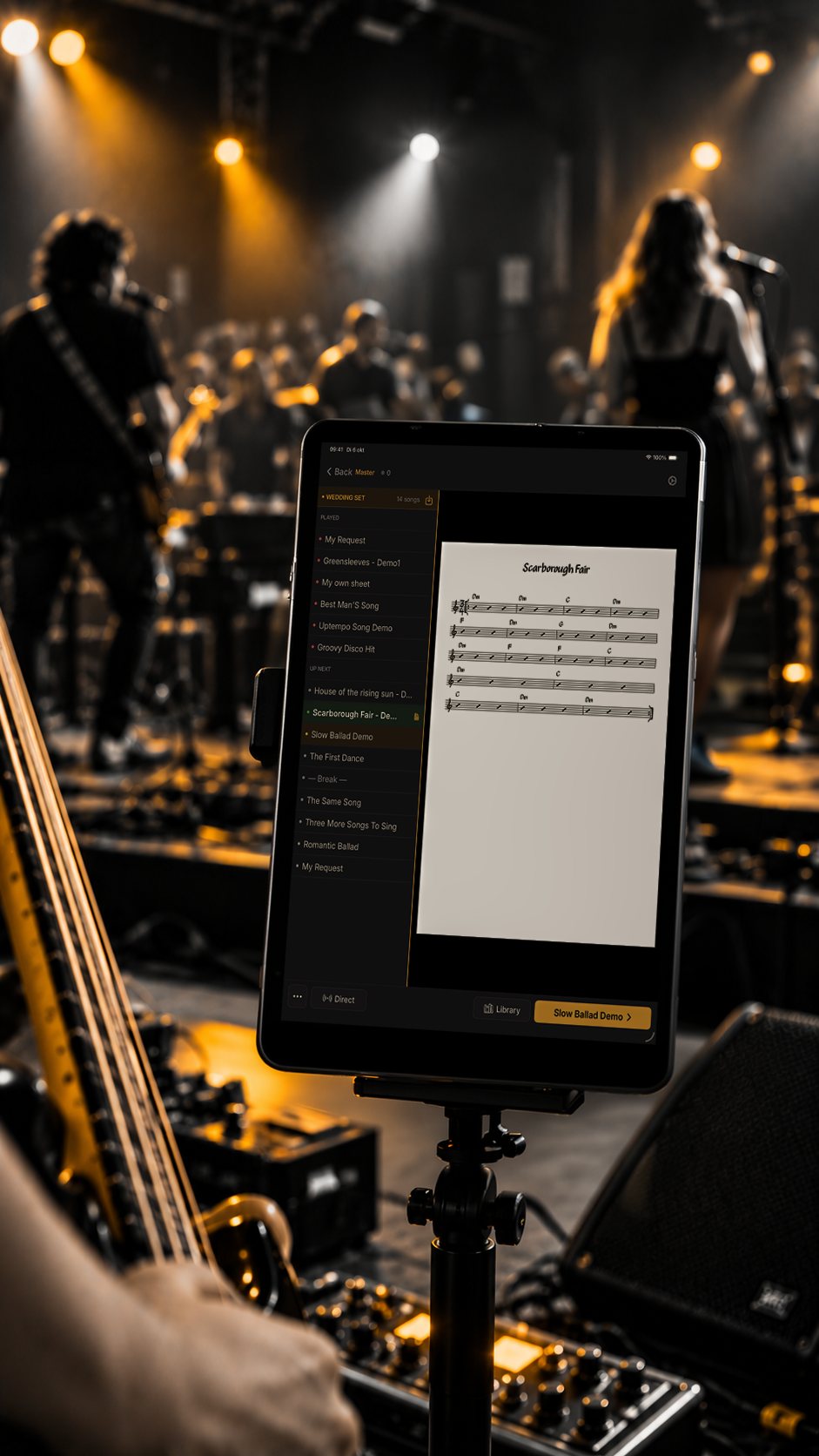
On stage, everyone reads their own part.
- Change the song, every iPad shows its own part
- Fully offline, no venue WiFi


Plan, Go and Play are in both plans. Phones don’t take an iPad spot. See it work on stage ↓
Try it
Change the song.
Every iPad shows its own part.
Tap a song on the bandleader’s iPad. The singer gets the lyrics, the bass player gets the bass chart.


Works offline. Own chart per role. No router, no venue WiFi.
Built by a working bassist
“I built this for my own band. After more than 25 years on stage I wanted one thing: change the set halfway through, without shouting song titles across the stage. Now we use it at every gig.”
Play the room.
Not the list.
A good set changes. The floor fills up, the speeches run long, someone asks for one more. You should be watching the room, not your music stand.
Try it at your
next gig.
14 days free, no credit card. Plan, Go and Play are in both plans. Phones don’t take an iPad spot.
Basic
€6,99/ month
or €69 per year
- 5 roles, each with their own charts
- Live sync on stage, fully offline
- 2 iPads per role
Pro
LARGER BANDS€14,99/ month
or €139 per year
- 15 roles, 4 iPads per role
- Annotations and metronome
- Google Calendar sync
Made for bands that play live.
Cover bands · Wedding bands · Function bands · Jazz bands · Party bands
If your band reads from iPads and the set changes on the night, syncMNFST is built for you.
Questions bandleaders ask.
Does syncMNFST work without WiFi?
Yes. The iPads connect directly to each other using Apple's peer-to-peer WiFi, the same technology as AirDrop. No router or venue network needed. WiFi and Bluetooth switched on is enough.
Do my bandmates need an account?
No. The band has one account. Each role has its own code: a musician enters it on their iPad and their part is ready. The same code works for a substitute or a backup iPad.
Can I use my own charts?
Yes. Upload your PDFs in the web app and assign each chart to a role.
How many iPads and phones can we connect?
Basic: 5 roles with 2 iPads each. Pro: 15 roles with 4 iPads each. Phones don't take an iPad spot, so every band member can add their own. There is a ceiling on the band total as well (15 on Basic, 40 on Pro), high enough that a normal band never meets it.
Is there a free trial?
Yes. 14 days free, no credit card needed.
Which iPads are supported?
Any iPad running iPadOS 17 or newer. That includes most iPads from 2019 onward (iPad, iPad Air, iPad Pro, and iPad mini).
Does syncMNFST work with my Google Calendar?
Yes, on the Pro plan. Gigs sync both ways between syncMNFST and Google Calendar. It's optional, off by default, and you can disconnect anytime.
Does it work on Android?
Not yet. syncMNFST for Android tablets is coming soon, on its own or alongside iPads in the same band. Join the Android waitlist to hear first.
More answers in the help center and on the blog.
Your next gig
starts here.
Set up your band tonight. Play the next gig in sync.
Start your free trial 14 days free. No credit card.